Turn HTML into Business-Ready PDFs
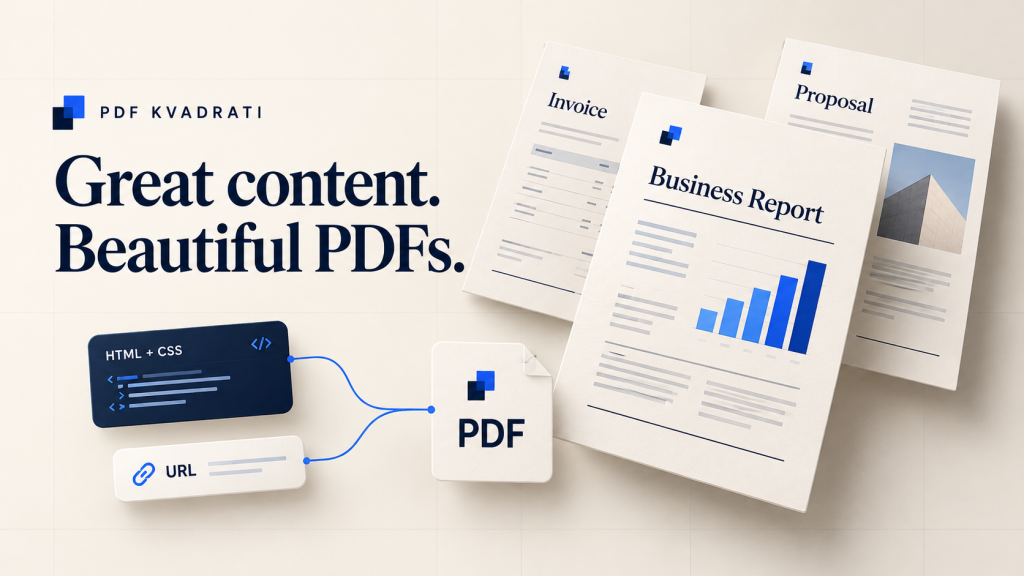
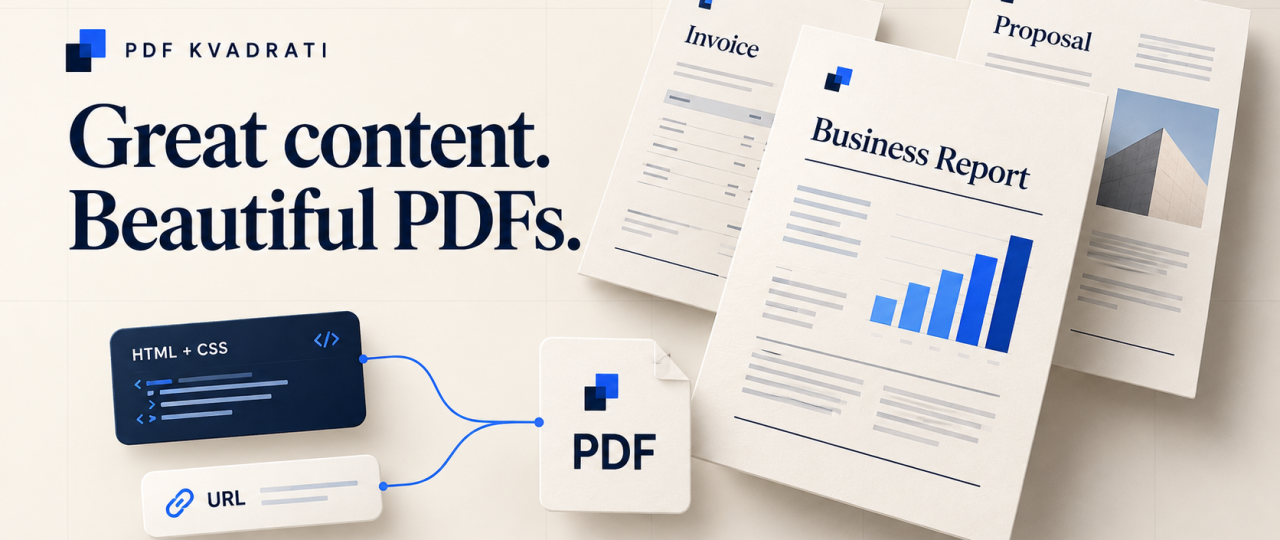
Your next invoice, report or proposal should look as professional as the business behind it. With PDF Kvadrati, you can turn HTML and public web pages into polished PDF documents—and make document generation part of your everyday workflow.
Creating business documents often means repeating the same work: copying content, adjusting formatting and exporting another file. As demand grows, those small steps become a recurring interruption.
PDF Kvadrati gives businesses and developers a practical route from content to document. Use it in your browser for an individual PDF, or connect its API to your application for repeatable document generation.
Start with a document you already need.
Create a free account and try up to 2 conversions a day. No credit card required.
Keep your brand in the document
An invoice is more than a total. A proposal is more than a price. Every document is another opportunity to present your business clearly and consistently.
PDF Kvadrati converts HTML and CSS into PDF using Chromium rendering, supporting modern web layouts. Bring your own template, typography, colours and structure to invoices, contracts, proposals and reports.
For your business, that means a reusable starting point for documents that belong together. For developers, it means working with familiar web technologies when designing the output.
Turn a public web page into a shareable PDF
Already have the content online? Enter a publicly accessible website URL and create a PDF you can download and share. This is useful for public reports, reference material and readable archive copies.
The service retrieves the page HTML and resolves relative resource links. Pages that require sign-in or an interactive session are not suitable for this conversion method.
Generate once in the browser—or build it into your workflow
Sometimes you need one document. Sometimes your application needs to generate documents repeatedly. PDF Kvadrati supports both approaches through the same service.
- For occasional tasks: paste HTML or enter a public URL, choose a filename and download your PDF through the browser.
- For recurring work: send content from your application through the API and receive a PDF response.
Think of a sales application that prepares a proposal from an HTML template, or a reporting workflow that produces a document from the latest figures. Your application supplies the content; PDF Kvadrati handles the conversion.
A straightforward API for developers
The API offers two focused endpoints: /pdf/from-html and /pdf/from-url. Send a JSON request with your API key and receive a binary PDF response.
You can integrate it with .NET, Python, Node.js, Odoo or another business application capable of making HTTP requests. The documentation includes cURL, Python and C# examples, plus access to Swagger for exploring the API.
- HTML and URL inputs: choose the source that fits your workflow.
- A4 output: generate a familiar format for business documents, with backgrounds included in HTML conversion.
- Custom filenames: give downloaded documents meaningful names; the API adds the
.pdfextension automatically. - API key access: find your key in your account workspace and use it from your server.
- Availability check: use
/pdf/pingto check service availability.
Explore the API documentation →
Where PDF Kvadrati fits in your business
- Sales teams and consultants: turn prepared HTML content into branded proposals and quotations.
- Business operations: generate invoice documents and recurring reports from templates populated by your own systems.
- Agencies and freelancers: create consistent client deliverables using reusable HTML and CSS designs.
- Developers and software teams: add PDF generation to an application through a documented HTTP API.
The benefit is practical: less repetitive exporting, more consistent presentation and a clearer path from the content you already have to the document you need to deliver.
From account to first PDF in three steps
- Create your account. Register and open your workspace. Your API key is there when you are ready to integrate.
- Add your content. Paste complete HTML with CSS or provide a public website URL.
- Download and review. Choose a filename, generate your A4 PDF and check the result before sharing it.
For reliable results, use a dedicated print template and make sure external images and fonts are accessible to the service.
Try it free. Plan for more when you need it.
A free account includes 2 conversions per day, with no credit card required. It is a simple way to test your own templates and see how PDF Kvadrati fits your work.
For higher volumes, request a quote tailored to your needs. Activation is by agreement, with no automatic charges.
The free daily allowance follows UTC. A failed conversion can consume an attempt.
Make your next document a better one.
Start with an invoice, a report or a proposal. Bring your content, give it your style and turn it into a PDF that is ready to share.
Create your free PDF Kvadrati account →
2 conversions a day. No credit card. Your first PDF starts here.